SA20 2027 fixtures: season dates, SAST start times and venue checks
South African cricket fans looking up SA20 2027 fixtures are checking when the next season begins, which city hosts each match and whether a listed time is local. Betway SA20 Season 5 runs into early 2027, so a search result labelled “SA20 2026” can point to the previous campaign. The official competition calendar opens on 17 January 2027 and schedules the final for 21 February. This guide explains how to read the fixture list, check SAST kickoff times and spot a double-header without relying on an old screenshot.
Season 5 starts in January 2027
The official SA20 announcement says Season 5 begins on Sunday, 17 January 2027 at St George’s Park in Gqeberha, with Sunrisers Eastern Cape hosting Pretoria Capitals. The final is set for Sunday, 21 February at Newlands in Cape Town. The six host venues are spread across South Africa, so the city beside the fixture matters as much as the team names when planning a trip or checking a broadcast listing.
The official SA20 fixtures page lists matches and local start times. The competition newsroom’s Season 5 fixture announcement confirms the opening and final dates. Use the current online list for a match-specific check; a release announcement is useful for the broad calendar but may not reflect later amendments.
Read the date and venue together
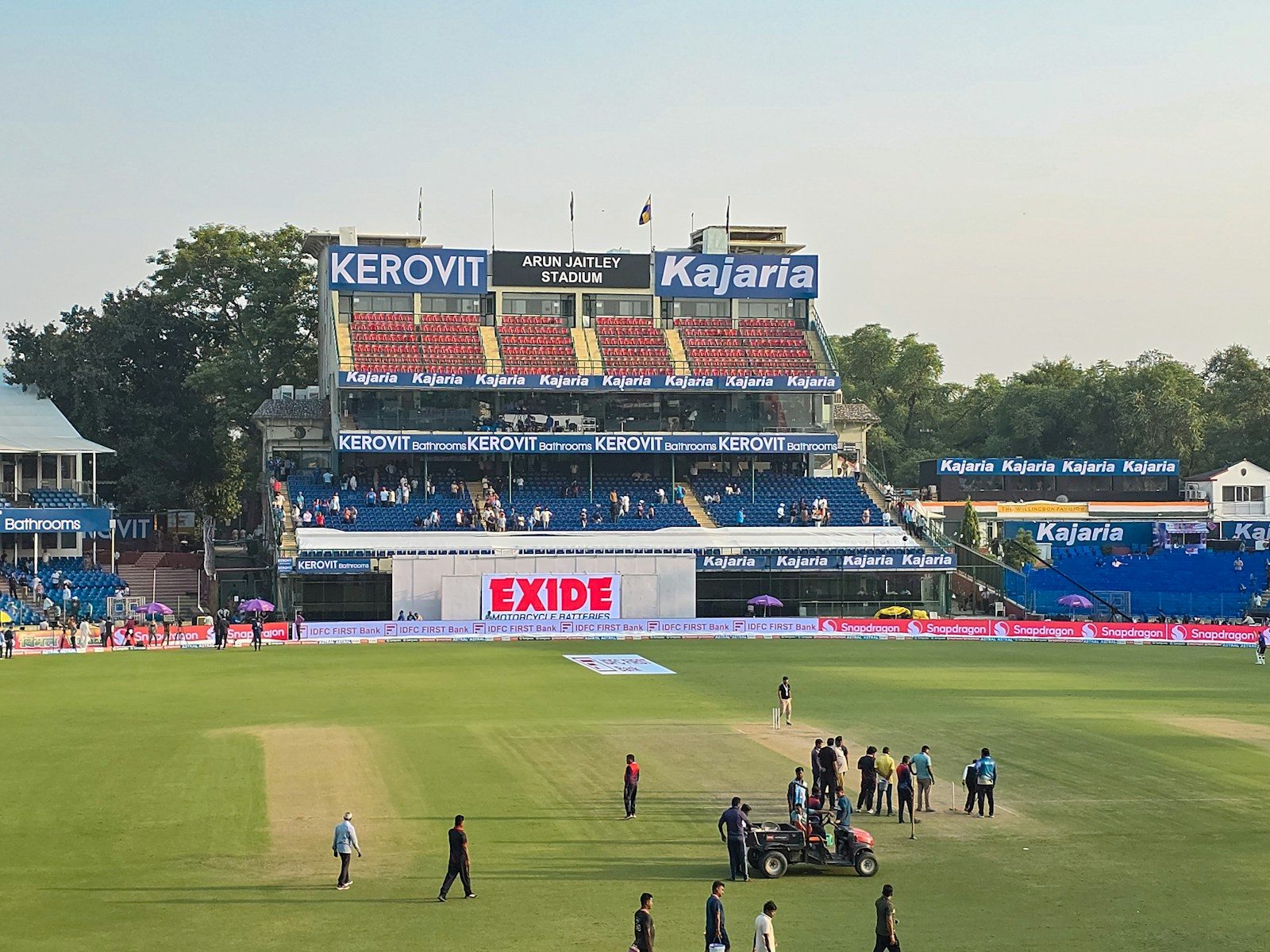
SA20 fixtures are played at grounds in different cities, including Gqeberha, Paarl, Centurion, Cape Town, Durban and Johannesburg. Make sure the venue shown belongs to the match you are checking. A team may be listed first as the home side without playing in its usual city, especially when a schedule includes travel, double-headers or a playoff stage. The official fixture page provides the match pairing, date, start time and venue in one place.
For visitors, the venue determines travel time and the nearest city services. For television viewers, it can help distinguish a match from another fixture on the same day. A match listing that shows only team abbreviations is easy to mix up, so expand the match centre and confirm the full franchise names before sharing the details.
Use South African Standard Time
SA20 match times are shown in SAST, South African Standard Time. A listing such as 17:30 SAST is already the local clock time for South Africa. If a broadcaster or international cricket app displays UTC, India Standard Time or a device-local time, it may differ by several hours. Do not convert a time that is already marked SAST. Check the timezone label before adding a fixture to a calendar.
Calendar tools can also display an event in the timezone configured on your phone. That is helpful when travelling, but it can make two sites appear to disagree. Compare the date, city, fixture and timezone together. If a match begins close to midnight in a different country, a local calendar may show the next day even though the South African fixture page correctly lists the event date in SAST.
Know when a day has a double-header
The Season 5 announcement includes four Saturday double-headers. On those days, two matches are scheduled at different venues, often with an afternoon start and an evening start. Check both match cards separately: the teams, city and kickoff time may all differ. Do not assume the second game is at the same ground as the first just because the fixtures appear next to each other in a social post or a compact results panel.
Double-headers are also a reminder to distinguish a full-day schedule from a single match. If you are travelling, allow time for the venue change and check ticket information from the official event provider. If you are following the competition from home, a broadcast schedule can be different from the fixture order shown on the league site.
Pre-season schedule versus matchday update
The fixture release is a planning document. On matchday, check the live SA20 match centre for any time, venue or status update. A weather delay, ground issue or tournament notice can change the way the day runs. A third-party calendar may continue to show the original time until its data refreshes. Use an official match page or a current broadcaster notice when a change matters.
Make a note of when you checked the schedule. If you share an upcoming fixture, include the date, SAST time, venue and season label “SA20 2027” or “Season 5”. This avoids mixing the upcoming January-February tournament with the previous edition, which was played in 2026. If a fixture is postponed or abandoned, wait for an official update rather than treating the scheduled time as a completed result.
What to verify in an SA20 fixture listing
- Confirm the season is Betway SA20 Season 5, played in 2027.
- Match the complete team names and fixture date.
- Check whether the time is SAST and whether a calendar has converted it.
- Record the host city and ground, not only the home-team label.
- Look for two separate match cards on a double-header day.
- Reopen the official match centre on the day in case the schedule changes.
The official SA20 matches page provides the current fixture list, and SuperSport’s SA20 schedule is another place to check broadcast and match information. BetSigy’s existing SA20 matchday checklist covers lineup verification; this article is about dates and venues. Browse the match analysis hub and the South African cricket collection for more fixtures and match context.
Keep the schedule in context
The opening and final dates set the overall window, but the exact match you need is determined by its team names, venue and SAST start time. Keep those details together and confirm them close to matchday. That makes the SA20 2027 fixtures easier to follow across the season and helps prevent an international timezone conversion or an older schedule from creating a false kickoff time.